
Answer website visitors while they are still there.
When visitors message after hours, Anna responds instantly, answering questions, qualifying leads, and booking appointments for you.
See Vodya in actionAnna connects with the tools your business already runs on.
Your website chat plugs into your calendar, CRM, payments, and messaging apps, so every conversation, lead, and booking lands in one place. No more switching tabs to keep up.











Visitors leave when no one replies.
Answer website visitors while they are still there. A reply at any hour.
Anna answers website chat at any hour, including after hours.
Chat, calls, texts, and bookings land in one place.
Most businesses are live within 14 days, tested before launch.
From first message to confirmed booking.
A visitor opens chat.
Someone on your website clicks the chat button. Anna greets them using your business name.
Anna has the conversation.
She answers questions, asks follow-up questions, handles objections, and qualifies the lead.
Appointment confirmed.
Anna books into your calendar, sends the visitor a confirmation, and logs the full lead profile.
Do you have anything Saturday morning for a deep tissue?
Anna
Hi! We have 10am or 11am on Saturday, which works for you?
11am perfect.
Built to qualify, book, and follow up.
A reply at any hour
When visitors message after hours, Anna responds instantly, answering questions, qualifying leads, and booking appointments.
Books appointments
Anna connects to your calendar and books real appointments during the chat. The visitor gets a confirmation right away.
Qualifies each lead
Anna asks follow-up questions, answers pricing queries, handles objections, and closes the booking, start to finish.
Works on any site
Squarespace, WordPress, Wix, Shopify, Webflow, or custom. We add one line of code. You do not touch anything technical.
Sounds like your team
We configure Anna with your business name, your services, and your tone. She is an AI receptionist, and she says so when asked.
Flags what needs you
For anything outside her scope, Anna captures the visitor's contact info and flags the conversation for you to follow up.
See how Anna handles chat across industries.

A client books a massage at 10pm. Anna handles it. They show up Saturday.
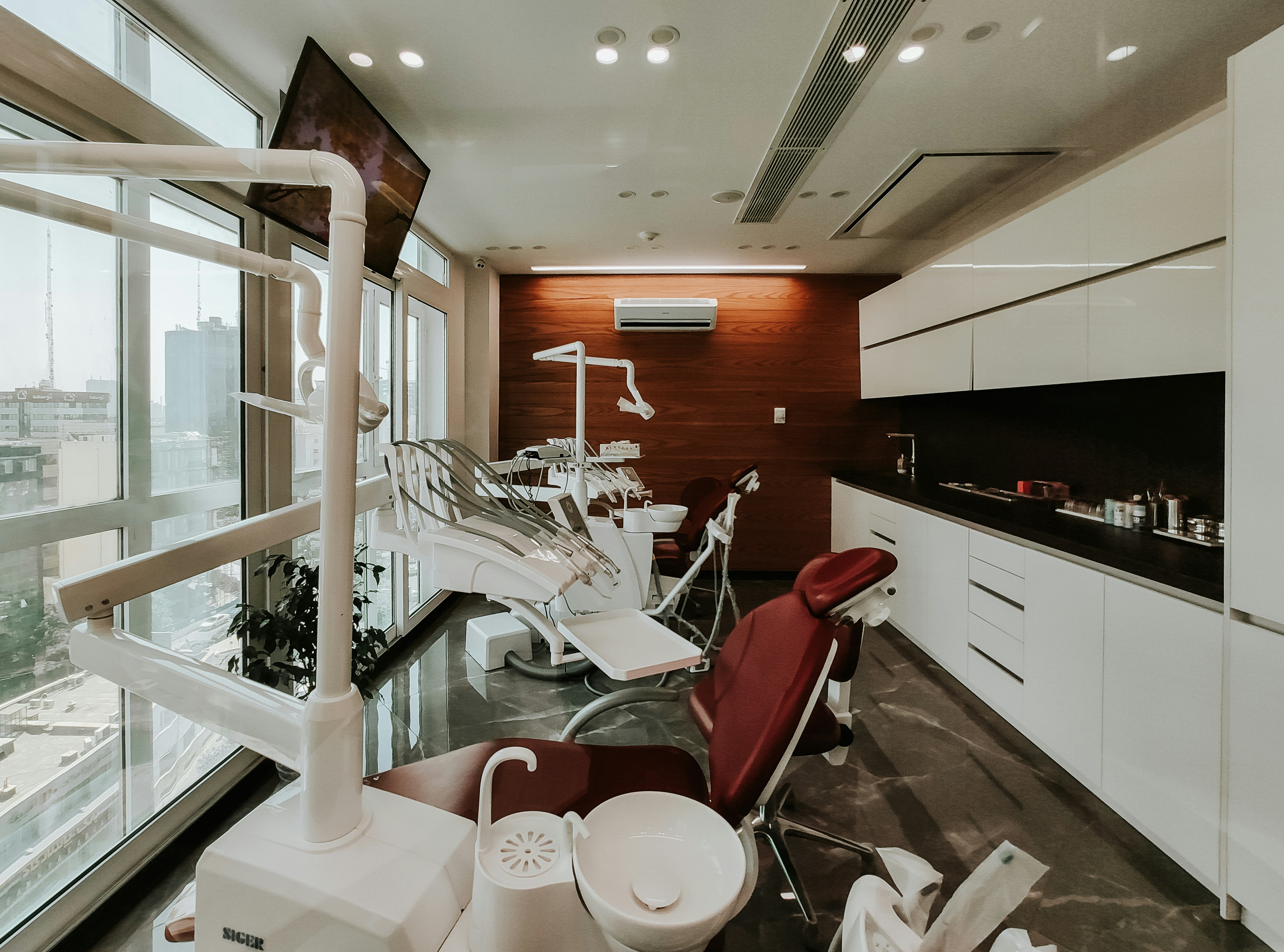
New patient asks about a cleaning at 8pm. Booked before your competitor opens.

Referral comes in after hours. Anna captures it before any other clinic does.
Everything to know about website chat.
How Anna answers visitors on your site and books them in.
Still have a question?
Book your 20-minute Vodya Discovery Call, with a live look at Anna.
See Vodya in actionWhat is a website chat widget and how does it work?
A website chat widget is a small button that appears on your website, usually in the bottom corner, that visitors can click to start a conversation. When someone clicks it, Anna responds instantly with a greeting using your business name and begins qualifying the lead. The entire conversation happens in real time, and if the visitor wants to book, Anna drops the appointment directly into your calendar.
Does Anna sound like a real person or a bot?
Anna sounds like part of your team: your name, your services, your tone. She is an AI receptionist, and she says so whenever anyone asks. You review and approve Anna's scripts before launch, so you control exactly how she sounds.
What happens if a visitor asks something Anna cannot answer?
Anna is trained on your specific services, pricing, and FAQs. For anything outside her scope, she captures the visitor's contact information and flags the conversation for you to follow up personally. No lead goes unanswered, Anna always keeps the conversation going.
Can Anna book appointments directly from the website chat?
Yes. Anna connects to your calendar and books real appointments during the chat conversation. The visitor receives a confirmation, the appointment appears in your calendar, and you see the full lead profile including name, service, and availability.
What website platforms is this compatible with?
Anna's chat widget works on any website, including:
- Squarespace
- WordPress
- Wix
- Shopify
- Webflow
- Custom-built sites
Setup requires adding one line of code to your site, which we handle as part of onboarding. You do not need to touch anything technical.
How long does setup take?
Most businesses are live within 14 days. If this is part of a full Vodya system build, your complete setup follows that standard window, with chat tested and live well before it closes. You approve the scripts and show up to the onboarding call. That is it.
Want to see how this would work for your business?
See Vodya in actionBook your 20-minute Vodya Discovery Call, with a live look at Anna.